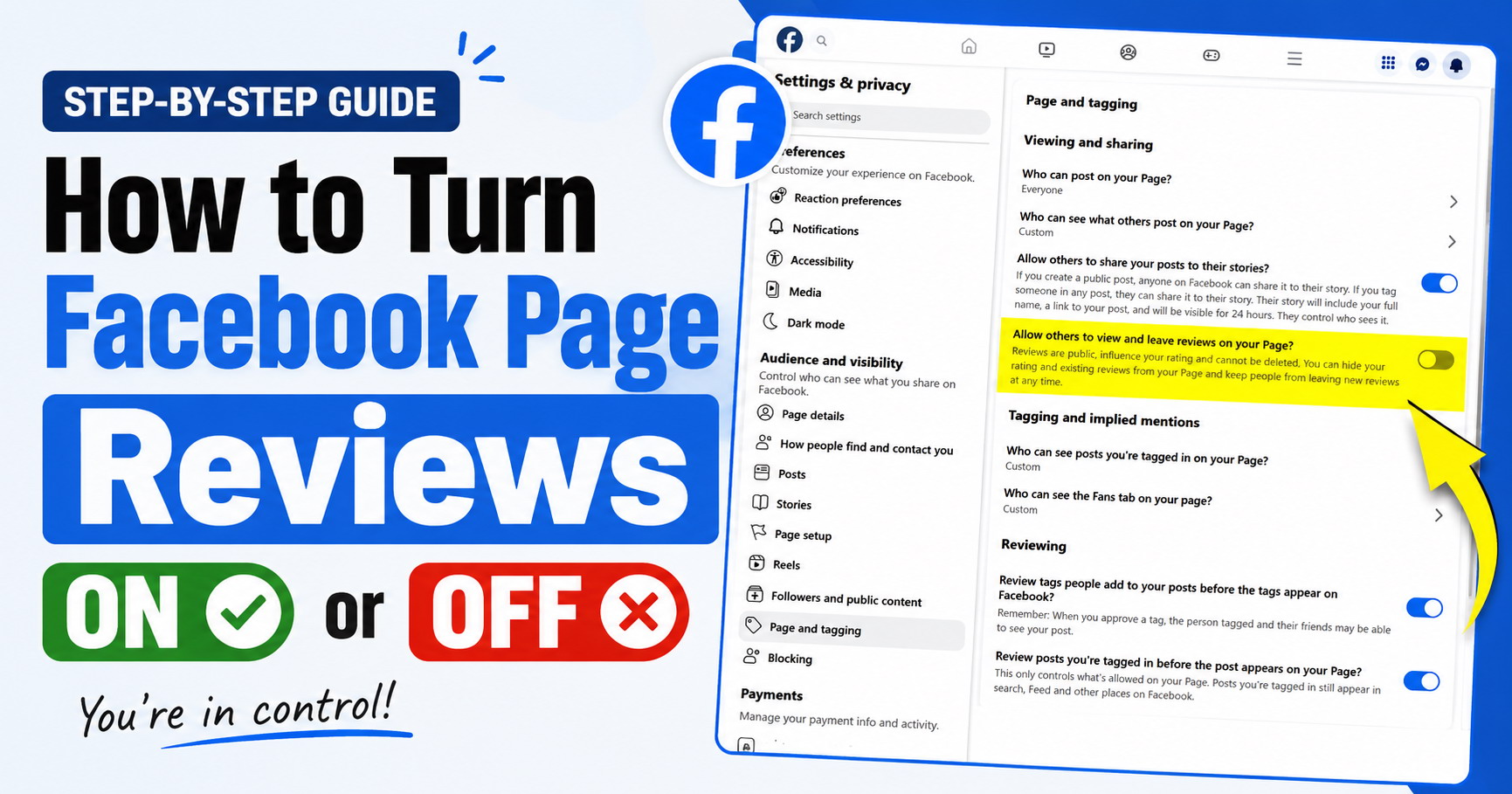
Don't want people leaving reviews on your Facebook Page? There's a simple setting that lets you turn reviews off. And if you change your mind later, you can switch them back on.
Here's where to find it.
1. Log in to Facebook and switch from your personal profile to the Page you want to manage.
2. Click your Page profile picture in the top-right corner. Select "Settings & privacy", then "Settings".
3. Look for "Audience and visibility" in the menu on the left and click "Page and tagging".
4. Scroll down to "Viewing and sharing". You should see an option called "Allow others to view and leave reviews on your Page?"
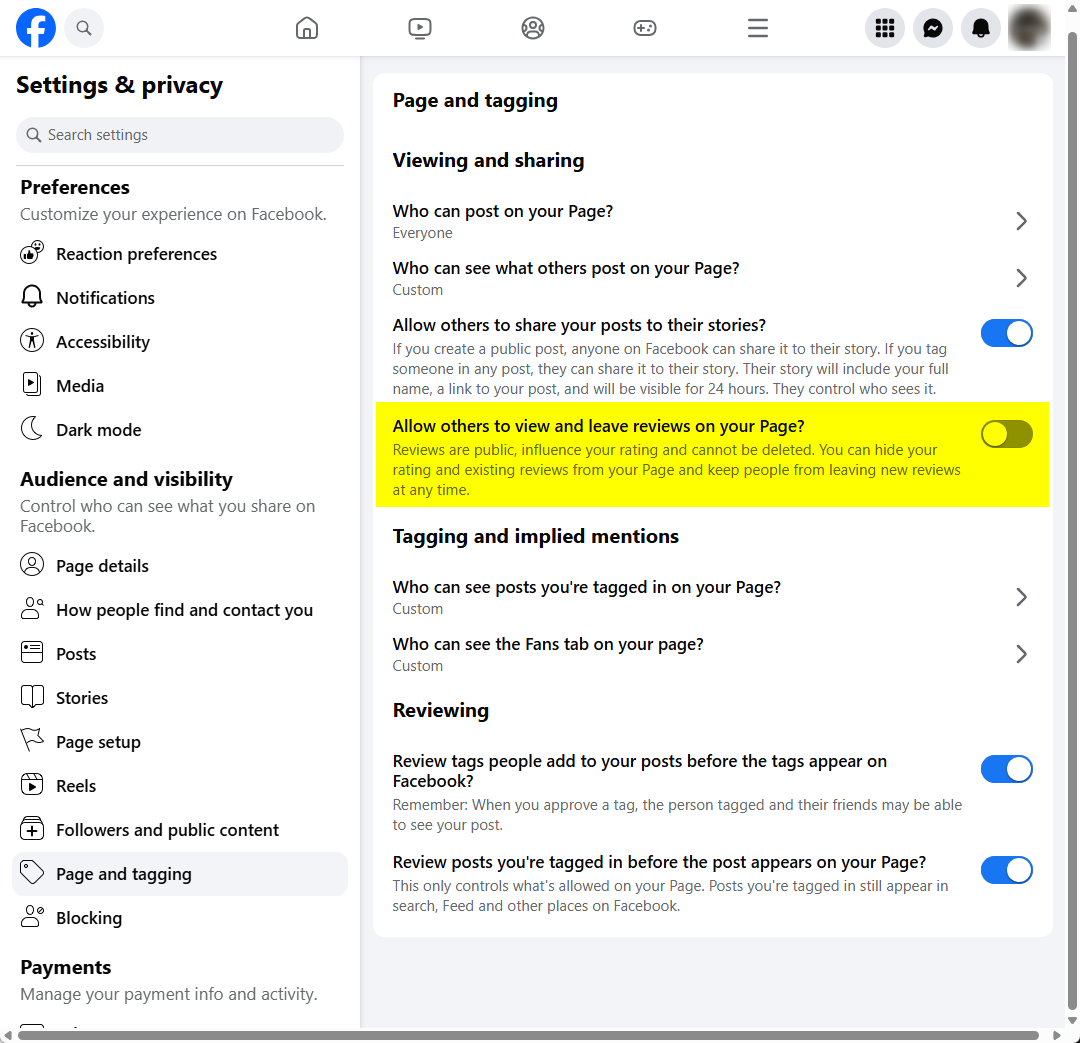
Use the toggle next to it to choose what you want. Leave it on if you want people to see and leave reviews.
If you turn it off, people won't be able to leave new reviews. Your Page's rating and existing reviews will also be hidden while the setting is off.
That's all there is to it. If you decide you want reviews again later, just return to the same setting and turn the toggle back on.
Note: Facebook occasionally moves settings around or changes their names, so the menu may look a little different depending on when you're reading this.