Blogger
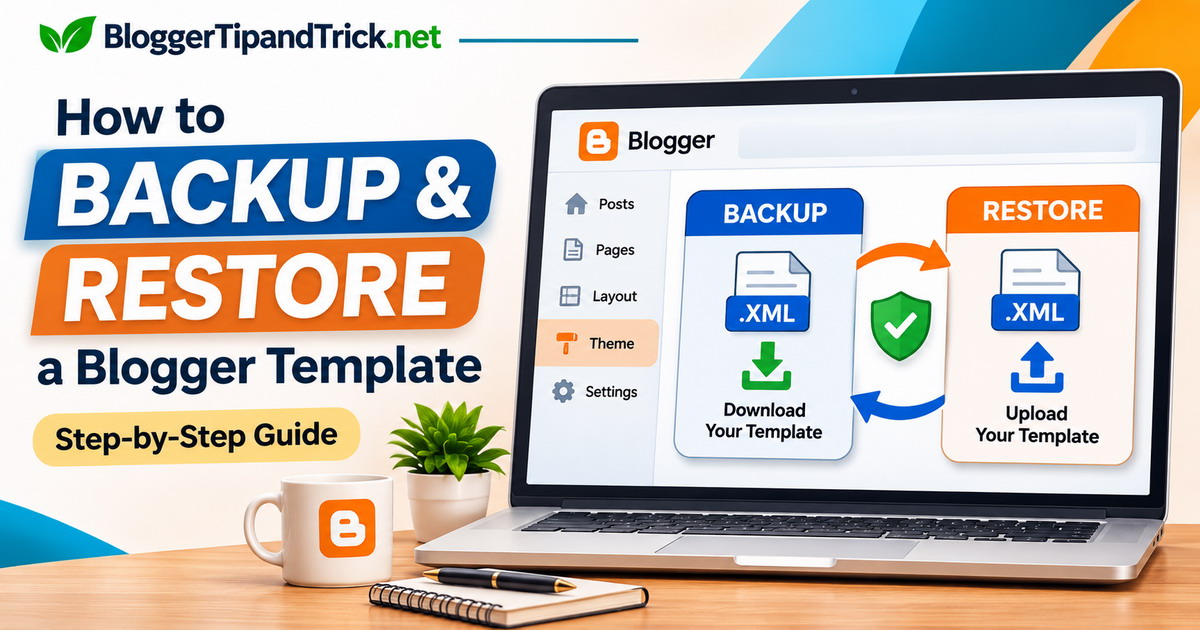
How to Backup and Restore a Blogger Template (Step-by-Step Guide)
Planning to edit your Blogger template or try a new design? Download a backup first. A change that seems minor can affect your menu, sidebar,…
Planning to edit your Blogger template or try a new design? Download a backup first. A change that seems minor can affect your menu, sidebar,…
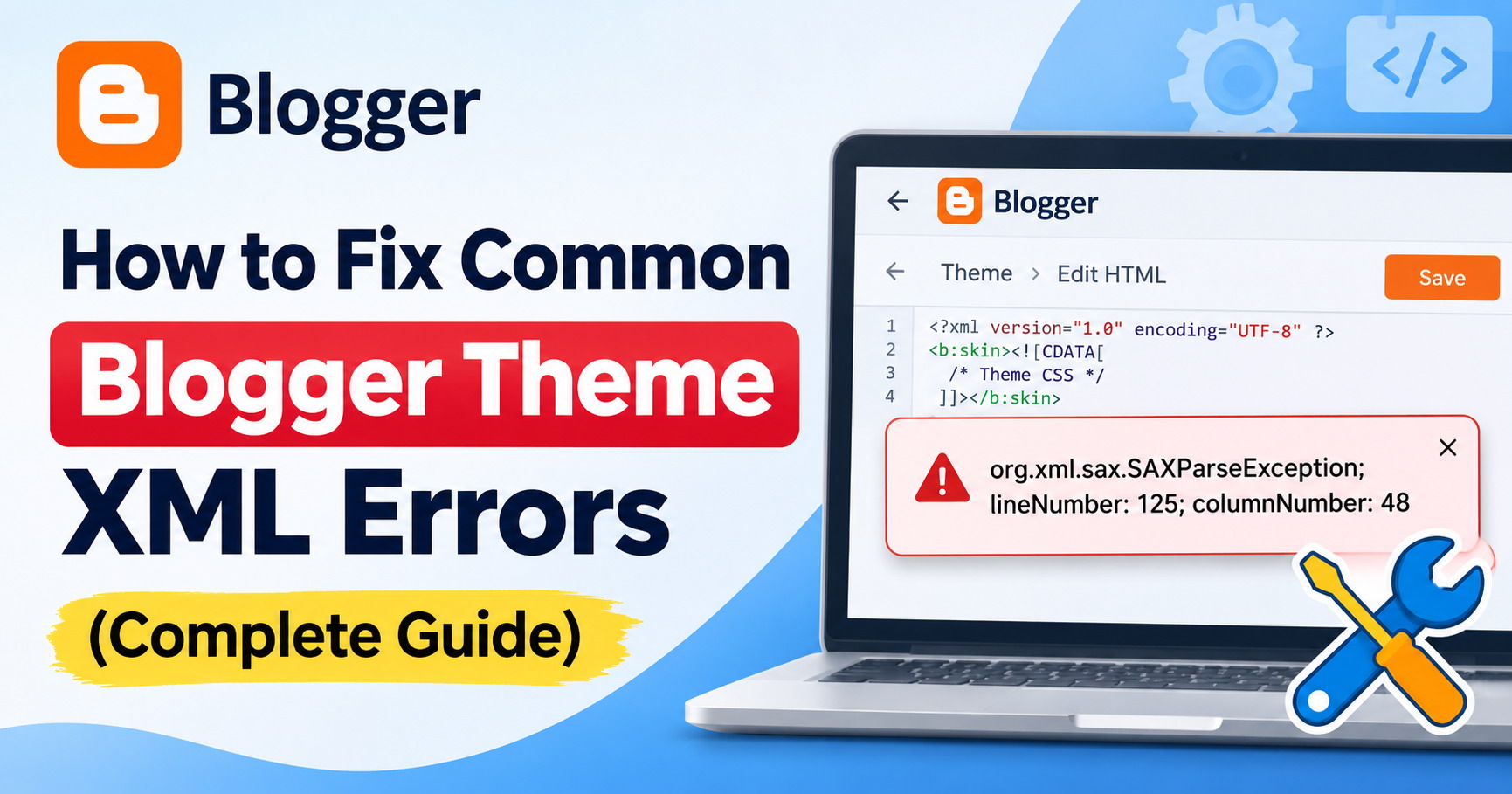
You make a small change to your Blogger theme, click Save, and suddenly the editor shows an XML error. Sometimes it points to a line…
This guide shows how to add a simple monthly calendar to your Blogger blog. It uses one HTML/JavaScript gadget and a small script. No external…
Some Blogger templates or gadgets require jQuery to work properly. If your theme does not already load it, you can easily add it by following…
Do you want the links in your Blogger Link List widget to open in a new tab? You can do this by adding a small…
Blogger does not support PHP files directly, but you can still display them. If you already have a PHP page hosted on a server, you…
Adding an official X (Twitter) Follow Button to your Blogger site is a quick way to let visitors follow you with one click. It helps…
Adding a Random Post button to your Blogger site is a fun and effective way to keep visitors engaged with your content. When clicked, this…
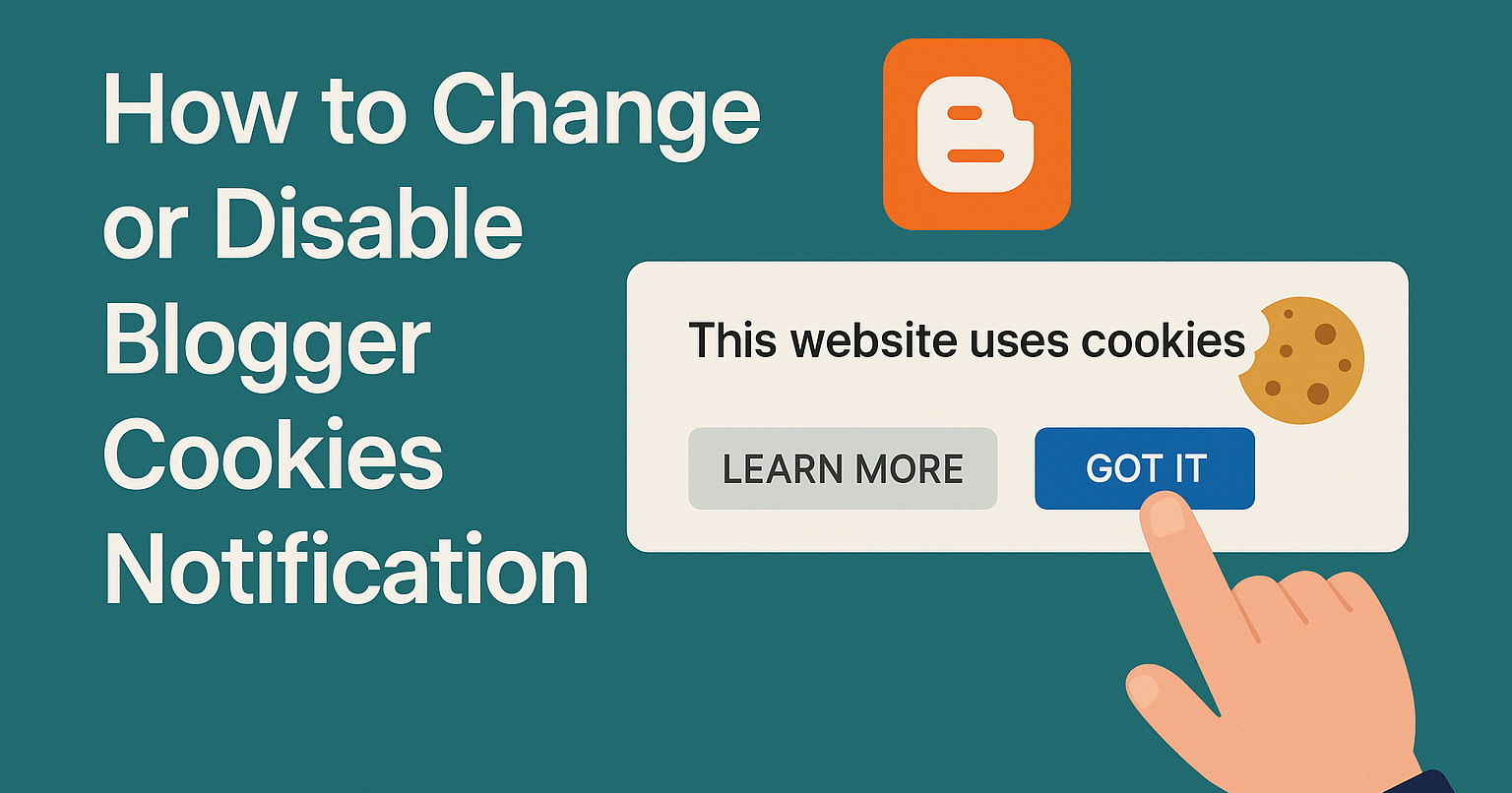
Blogger automatically displays a cookies consent banner for European Union (EU) visitors to comply with GDPR regulations. This banner appears at the top of your…
This quick tutorial explains how to submit your Blogger blog’s sitemap to Google Search Console. Every Blogger blog has a sitemap file automatically created by…
If you're a developer, tech blogger, or just love sharing code on your Blogger (Blogspot) blog, adding a good syntax highlighter is a must for…
This tutorial explains how to add tooltips to the links of your website or blog using "Easy Tooltip" jQuery plugin. A Tooltip is a hint…