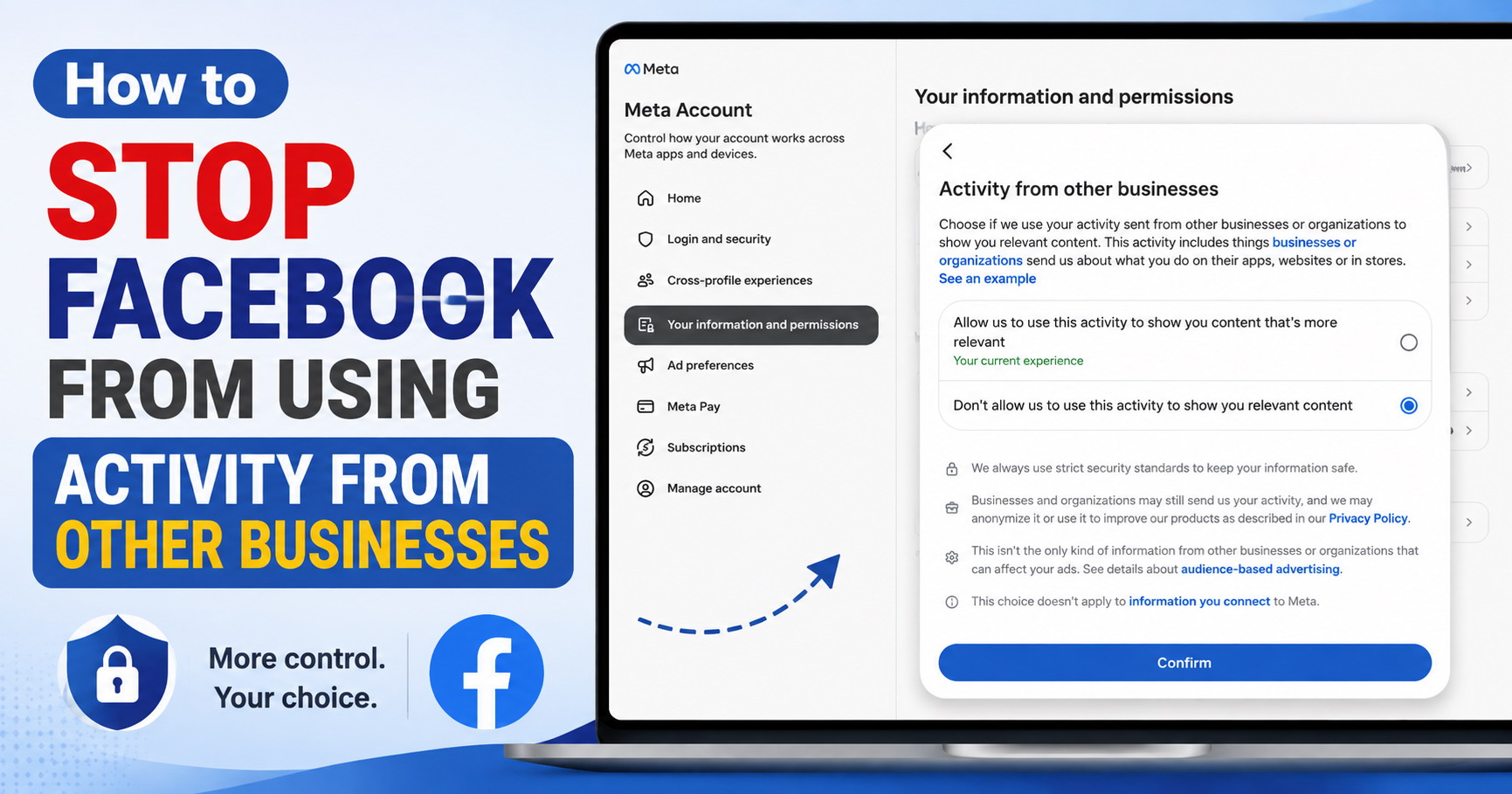
Meta can receive information about your activity from other businesses and organizations, including what you do on their apps, websites, or in stores. Meta Accounts Center lets you choose whether this activity can be used to show you relevant content.
If you don't want Meta to use this activity for that purpose, follow the steps below.
Step 1: Open Meta Accounts Center
Visit https://accountscenter.facebook.com/
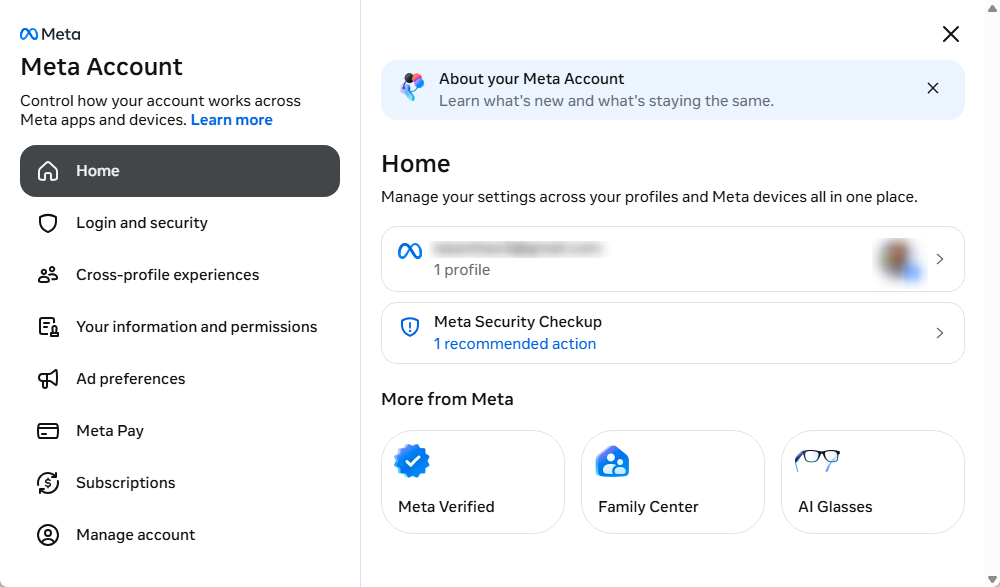
Sign in to your account if necessary.
Step 2: Open Your Information and Permissions
Click "Your information and permissions" from the menu.
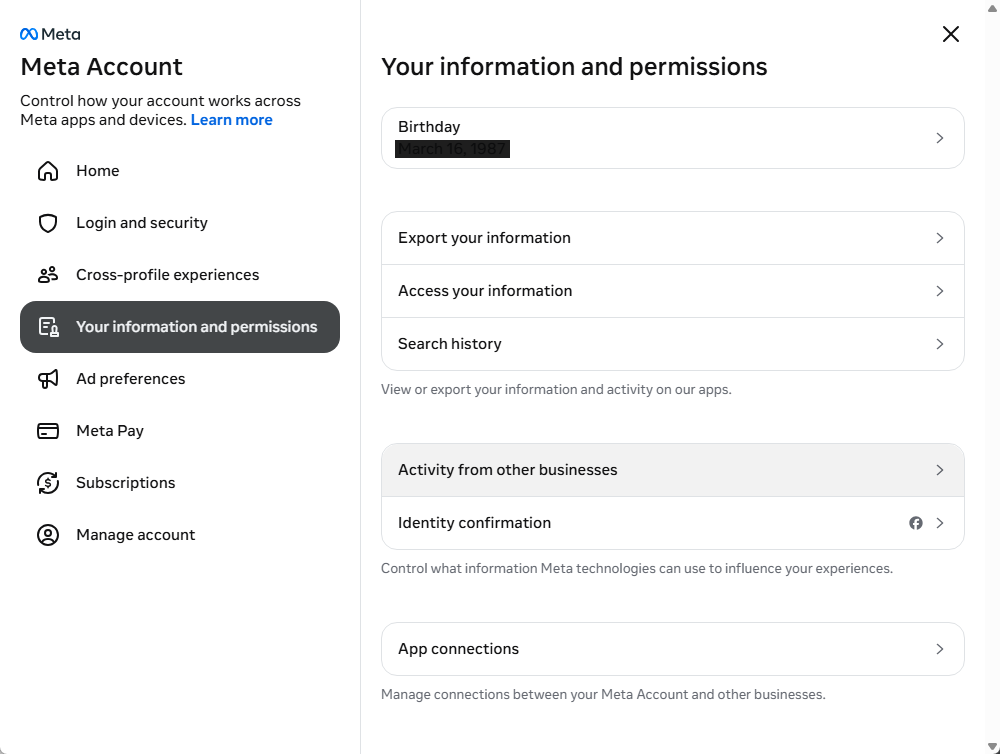
Step 3: Open Activity From Other Businesses
Click "Activity from other businesses".
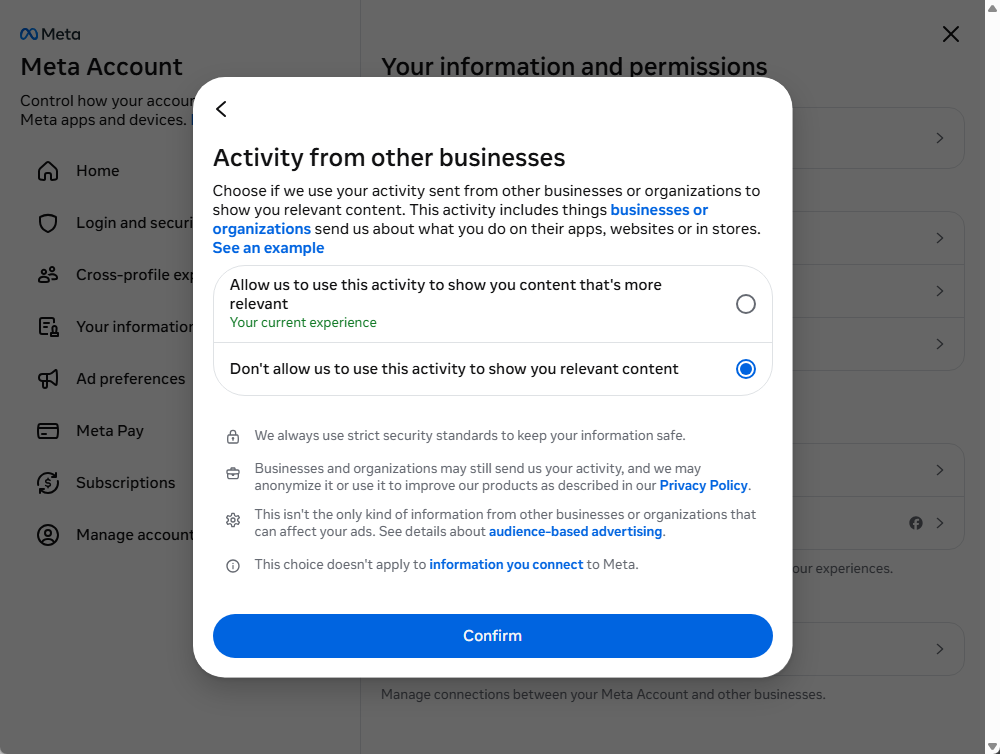
You'll see options for controlling whether Meta uses this activity to show you relevant content.
Step 4: Change the Setting
Select "Don't allow us to use this activity to show you relevant content".
Click the "Confirm" button.
That's it. Your preference has now been changed.