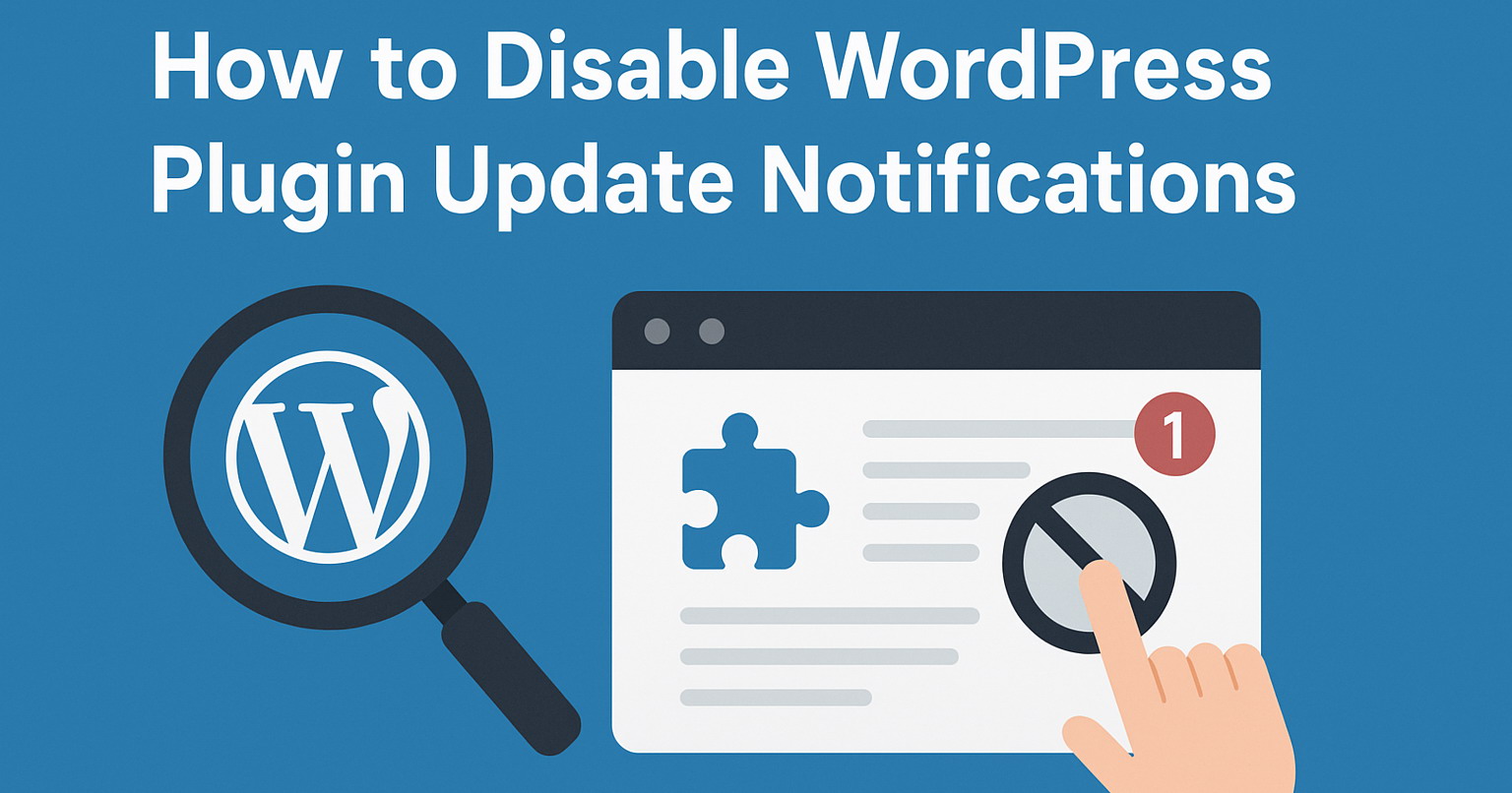
Normally when there are updates available for your themes, WordPress will displays update notifications like this:

Adding below code into your active theme's functions.php file, it will disable update notifications for all installed WP themes.
remove_action( 'load-update-core.php', 'wp_update_themes' );
add_filter( 'pre_site_transient_update_themes', '__return_null' );
wp_clear_scheduled_hook( 'wp_update_themes' );
Now users will not see theme updates notifications in WordPress dashboard.