A plugin update throws a PHP error, your next post is still a draft, and someone has emailed asking about shipping again. All three are WordPress jobs, and each calls for a different kind of help.
If you run your own site, start with the job that keeps eating into your week. You can get quite far with a chat window when you’re stuck on a draft. For something that needs to happen every time someone submits a form, you’ll want a tool that can run inside WordPress.
Here are 12 options, including tools you can try for free and paid features that make more sense when they fit the way you already work.
1. ChatGPT
Best for: Writing, coding, and troubleshooting
A plugin update breaks your site and leaves you staring at a PHP error. Paste the error into ChatGPT and ask which part names the plugin or file and what you should check first. Remove credentials and private details before sharing logs. If it suggests editing a file, test the change on a staging copy first.
The same chat window works for less dramatic jobs. Give it a rough outline for a post, ask for a clearer product description, or have it explain a bit of CSS you inherited. You can do all of that without installing a WordPress plugin.
Official website: ChatGPT
2. Jetpack AI
Best for: Writing inside the WordPress editor
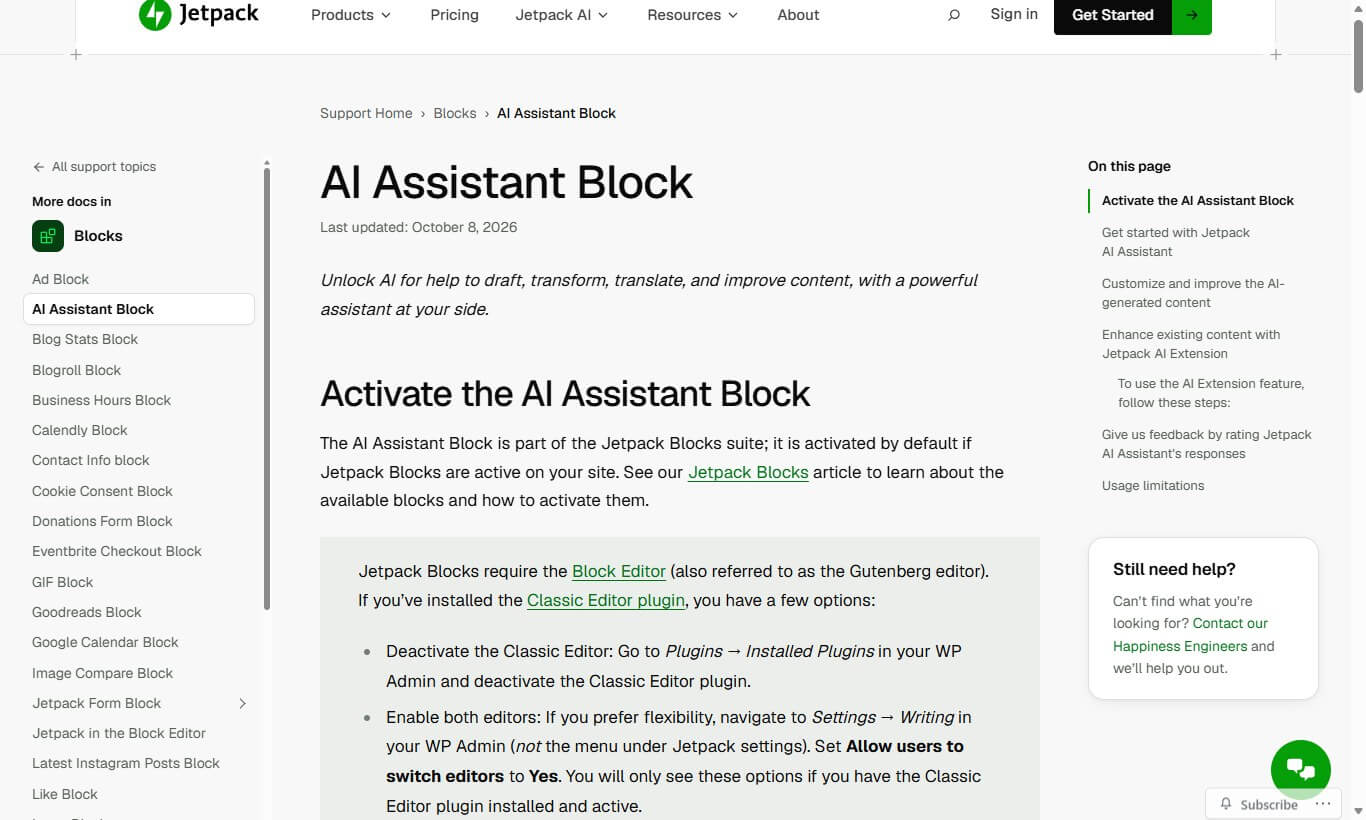
Say your introduction takes three paragraphs to get to the point. In the WordPress block editor, you can ask Jetpack AI to shorten it while the post is open. Read the result against your original to see whether it kept the detail that matters.
You can also draft new text, change the tone of a paragraph, or get a first pass at a translation. That’s handy if you already write in the block editor. Free use is limited, and some features require paid access or a compatible Jetpack connection.
Official website: Jetpack AI
3. Elementor AI
Best for: WordPress page design
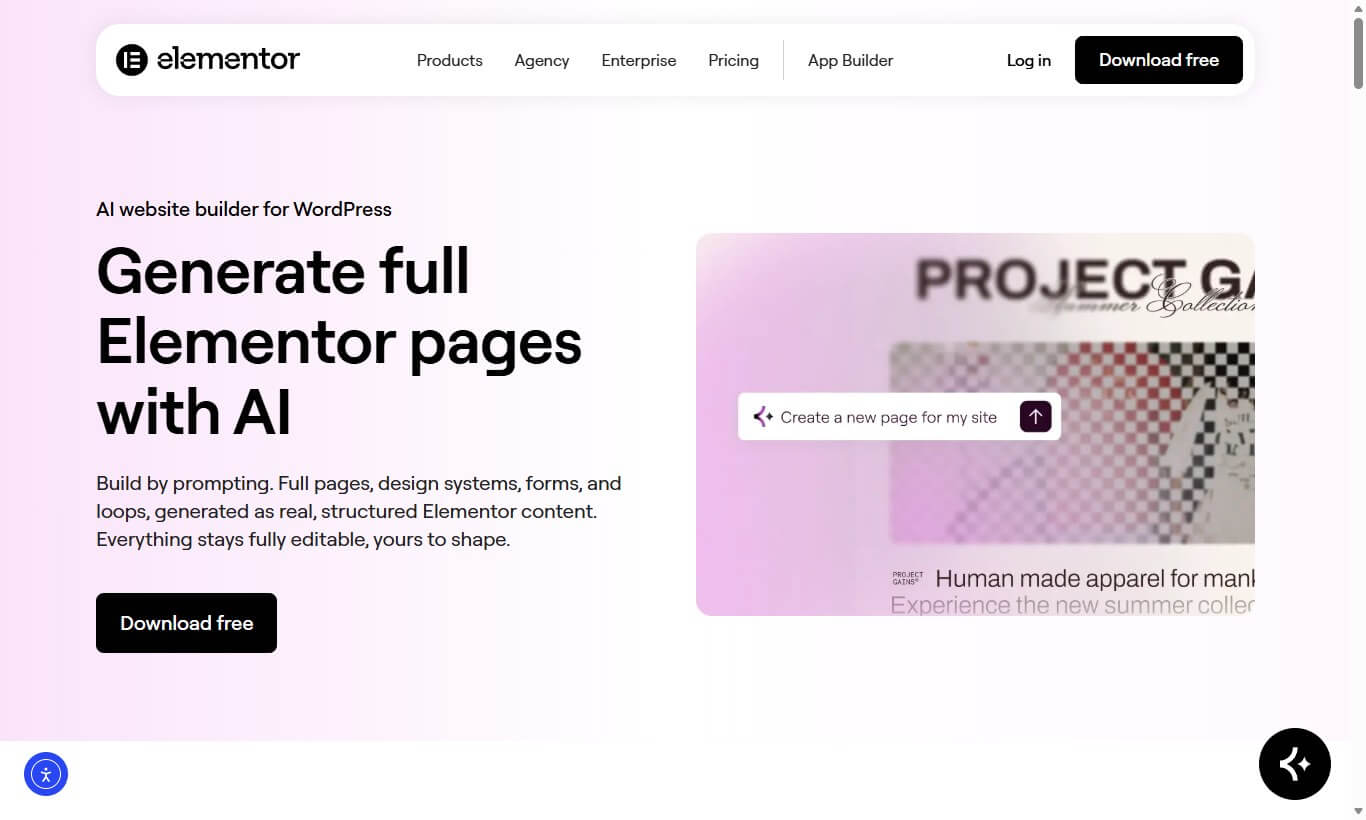
If you build pages in Elementor, AI can help when you’re stuck on one part of a layout. Give it the offer and the audience, then ask for a headline short enough to fit the space you’ve designed. You can also use it for supporting copy, images, or help with code.
Open the mobile preview before publishing. A headline that looks fine on desktop can push the button well down the page on a phone. If that headline is the only thing you need help with, you can draft it in a chat tool without adding a page builder to your site.
Official website: Elementor AI
4. Rank Math Content AI
Best for: SEO research and content optimization

Ask Rank Math Content AI about speeding up WordPress and it might bring up caching, image optimization, and hosting. If your post is specifically about fixing oversized images, take the relevant keyword and topic suggestions and save the hosting discussion for another post.
The optimization score can remind you to check what you’ve covered. Where the article ranks is a separate question. If Rank Math is already part of your publishing routine, check the separate AI credits or subscription before relying on it for every post.
Official website: Rank Math Content AI
5. Divi AI
Best for: Designing websites with Divi
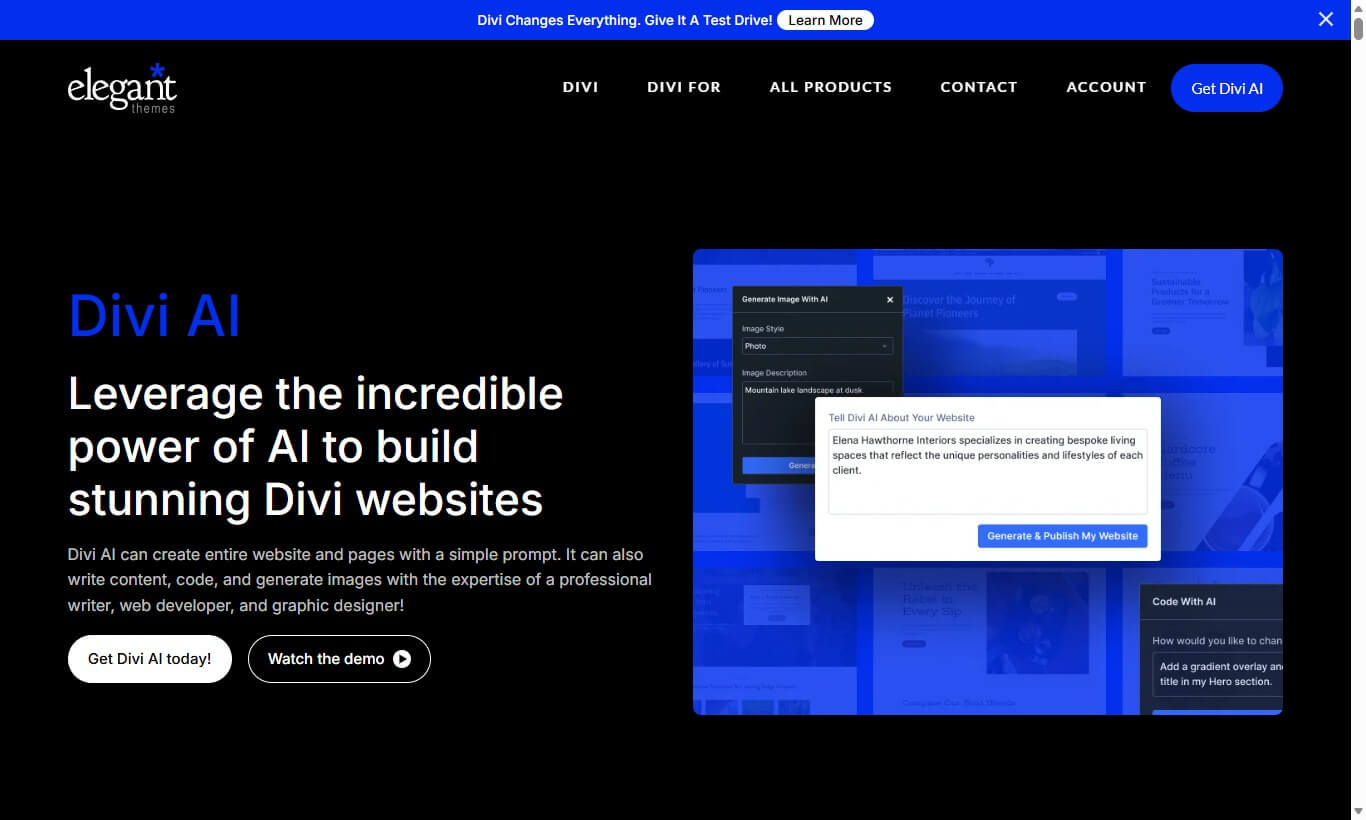
Divi AI makes the most sense on a site that already runs on Divi. If you’re building a services page and the layout is in place, you can draft service descriptions and generate supporting images while you work on the page.
Read the copy against what the business actually offers. Then check how the page looks on a phone, especially if the images are cropped differently there. Divi AI requires eligible paid access, so think about how often you do this kind of work in the builder.
Official website: Divi AI
6. 10Web AI Website Builder
Best for: Creating new WordPress websites
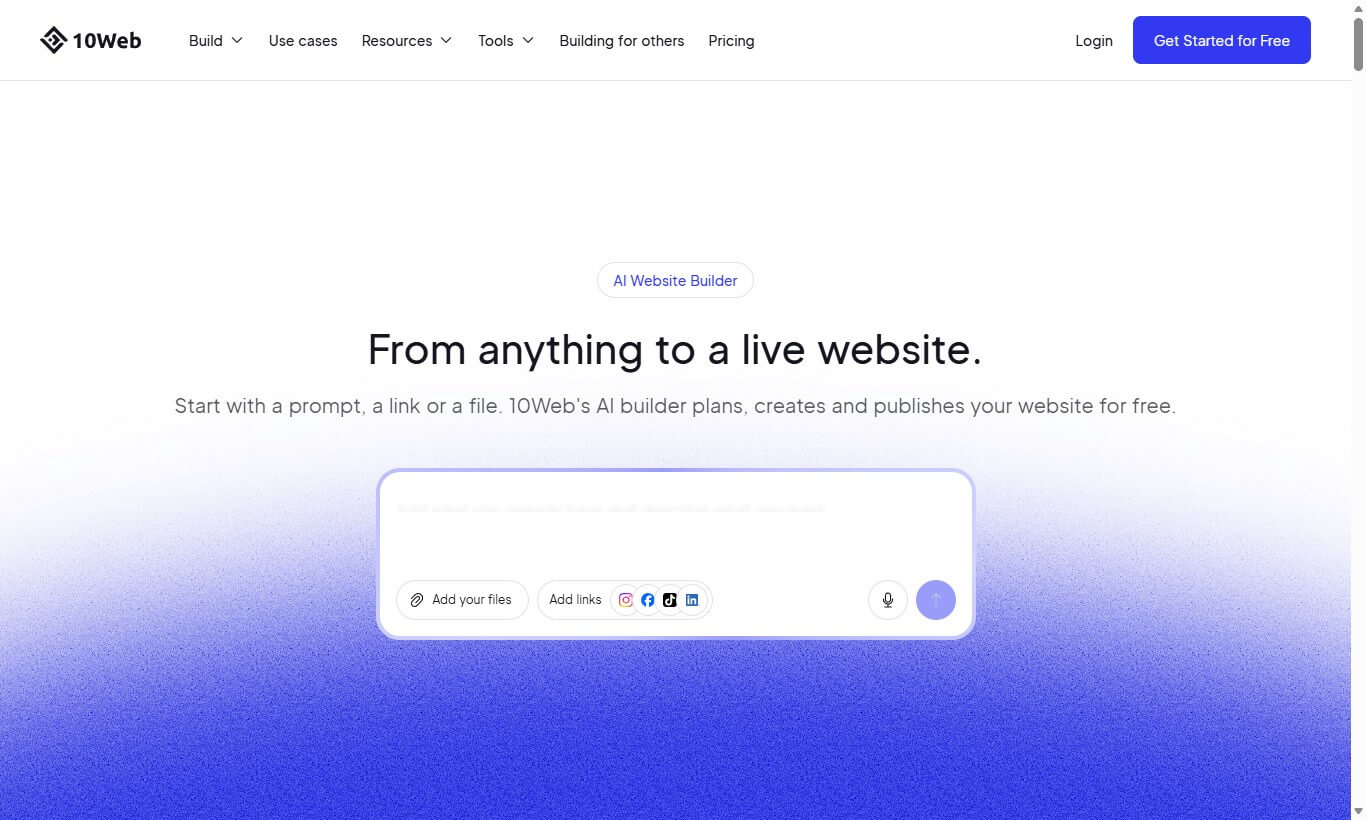
10Web is for when you’re starting a site and want something to build on. Give it a description of the business and the pages you need, then use the generated structure as your first draft. For a local business, that might mean getting the homepage and services page in place before adding real photos, service areas, and contact details.
Since 10Web also offers hosting and site management, look at the hosting terms and migration options alongside the subscription price. I’d want to know how I could move the finished site before building it there.
Official website: 10Web
7. AI Engine
Best for: Chatbots and custom AI integrations
A documentation chatbot is a good way to see where AI Engine fits. Give it your installation instructions and try the questions a new customer would ask. Include a question the docs don’t answer. That’s where you can see whether the bot admits it can’t help or gives someone a plausible but wrong instruction.
AI Engine connects WordPress to supported AI services for jobs like chatbots and content generation. It has free and paid features. If you connect an external AI provider, factor in that provider’s usage charges too.
Official plugin: AI Engine
8. Tidio Lyro
Best for: AI customer support
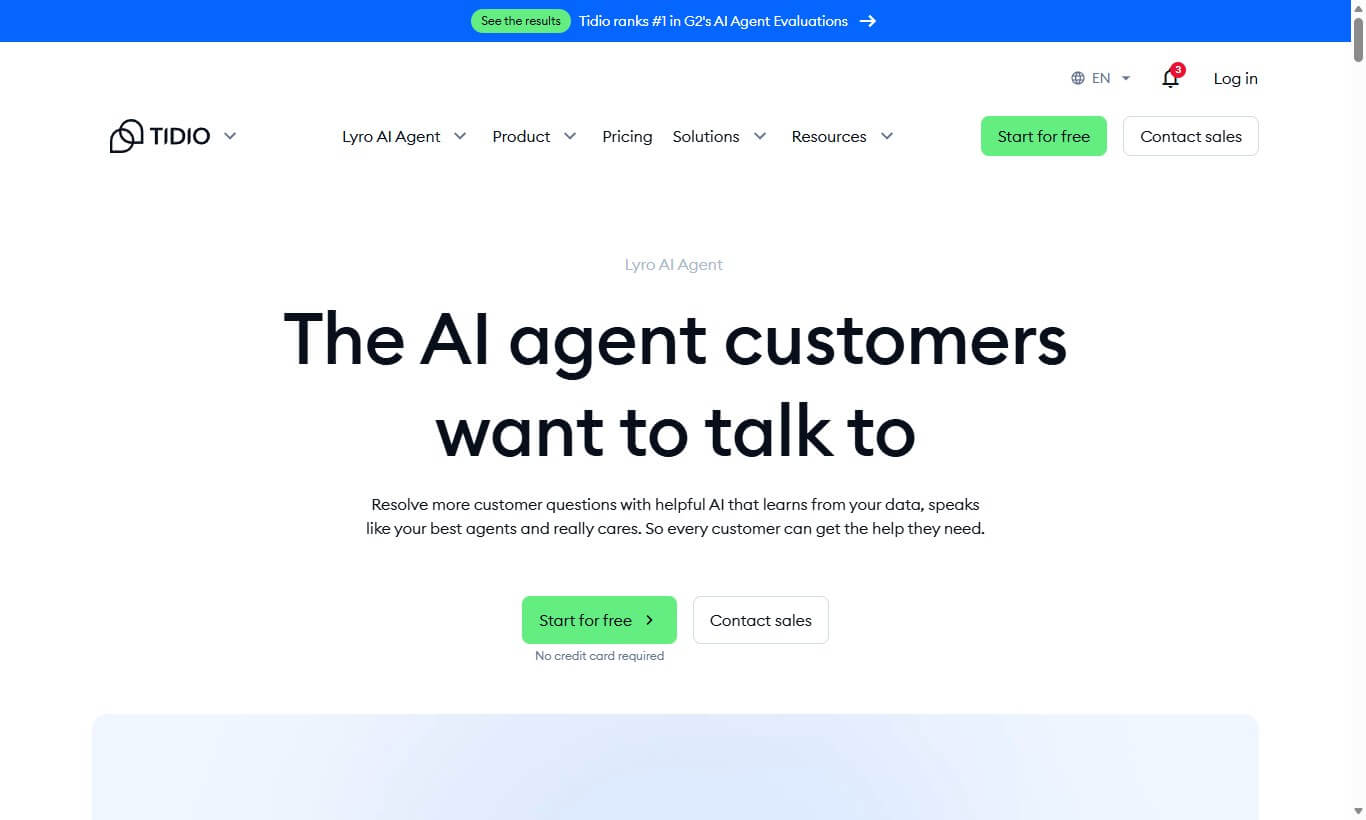
If your WooCommerce inbox fills up with the same questions, start there. A customer asking “Do you ship to my area?” should get an answer that matches the delivery policy you’ve given Lyro. If they ask where a late parcel is and the agent can’t resolve it, they need a clear way to reach someone.
Try it with questions from your actual inbox before deciding how much support it can take on. Check the plan’s AI conversation allowance against how many requests you get.
Official website: Tidio Lyro
9. Uncanny Automator
Best for: Automating WordPress workflows
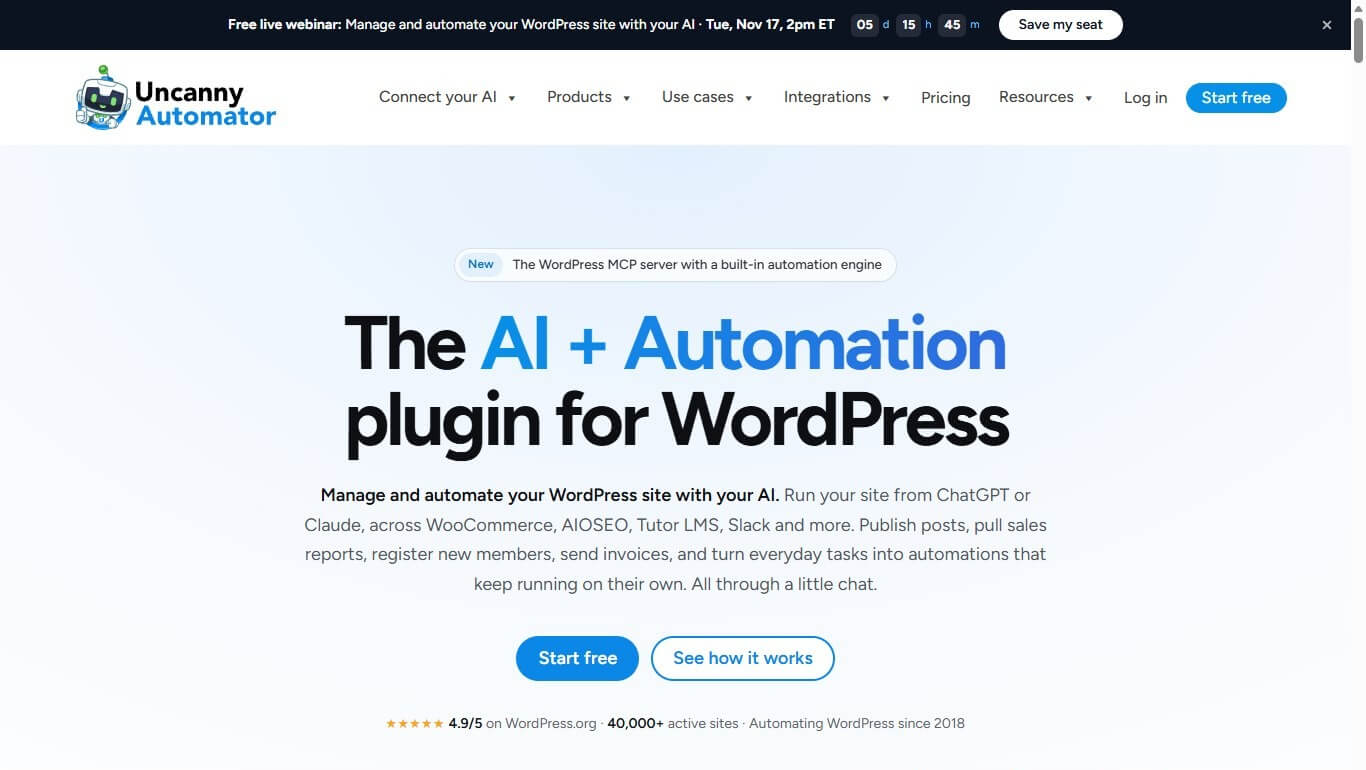
Think of Uncanny Automator as a way to connect the things that already happen on your site. A form submission can kick off a workflow that updates a record and sends a notification. With a supported AI integration, you could have it summarize a long free-text answer before that notification goes out.
Run the workflow with a test submission and check both the saved record and the message. Do that before using it on orders or customer records. Some integrations require paid access, so check that the specific tools in your workflow are covered.
Official website: Uncanny Automator
10. AltText.ai
Best for: Generating image alt text
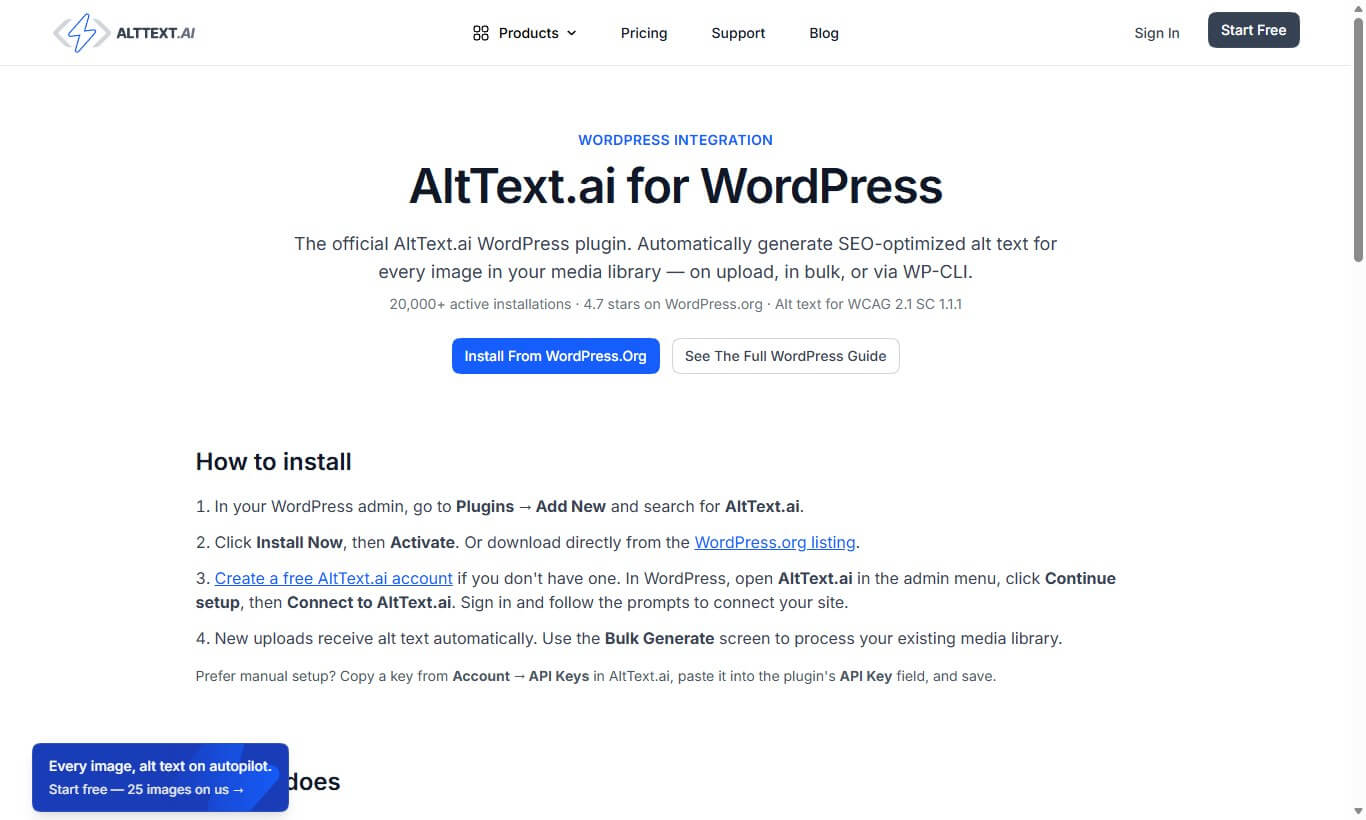
A WooCommerce store with a large photo library is where AltText.ai can save time. Its WordPress integration can draft descriptions for product images. I’d start with a few photos and review what it picks up before using it across the catalog.
What should someone know about this image if they can’t see it? On a product page, that might be the color or the detail shown in a close-up. A purely decorative image may need an empty alt attribute. That distinction is worth checking when you review the generated descriptions.
Official website: AltText.ai
11. GetGenie AI
Best for: AI writing and SEO research

If you spend a lot of time switching tabs between keyword research and drafting, GetGenie brings those jobs into a WordPress-oriented workflow. For a post on backups, you could research the topic and put together an outline, then write the instructions around the backup and restore steps you can verify.
There’s some overlap with Rank Math Content AI and with any writing assistant you already use. Try planning one post with the limited free access and see whether it saves you enough time to pay for the advanced features.
Official website: GetGenie AI
12. Weglot
Best for: Translating WordPress websites
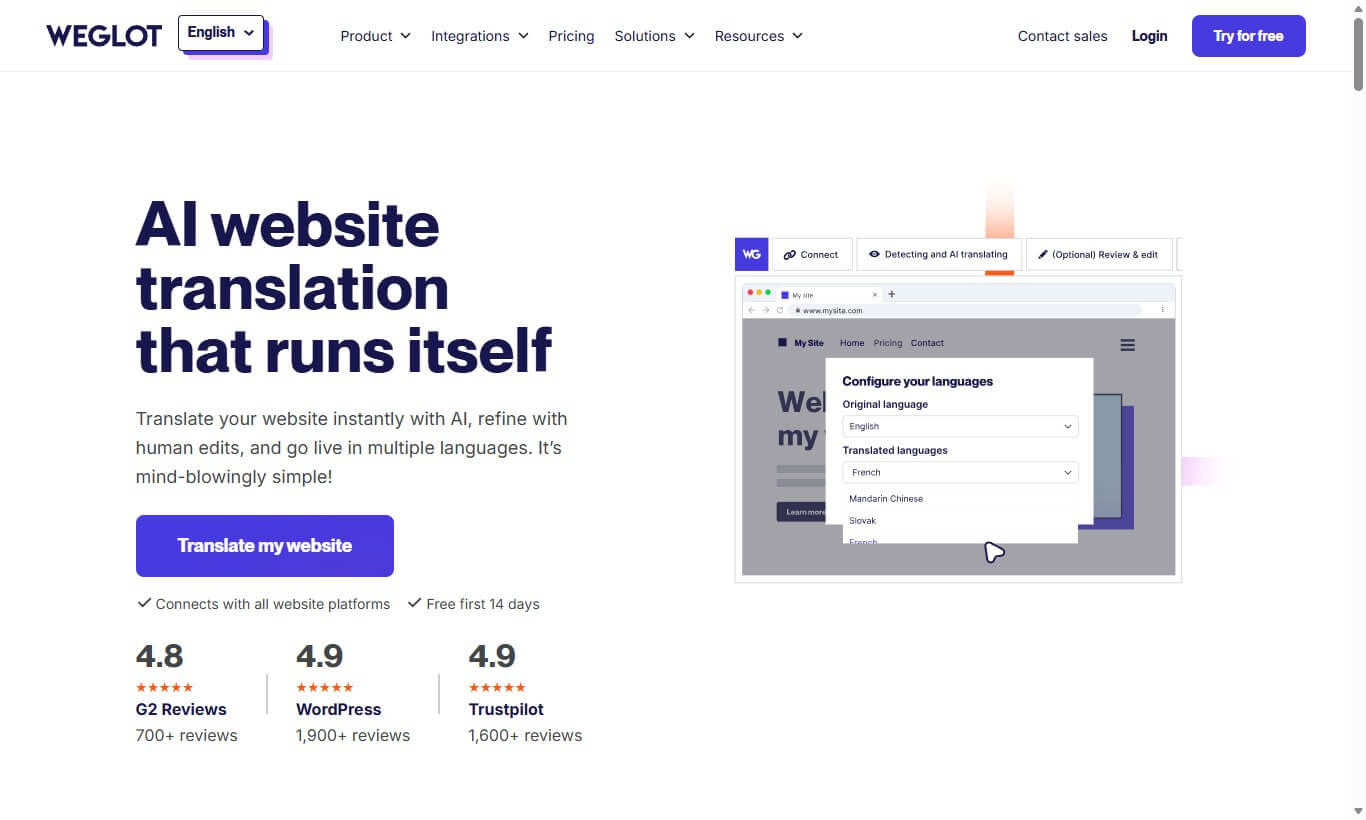
With Weglot, you can get a first translation of your WordPress site and review the wording before readers rely on it. For a store, I’d start with product details, delivery information, and returns. Those are places where an awkward phrase can turn into an order or support problem.
Weglot also supports multilingual SEO depending on how you set it up. If you’re trying the free plan, count the languages and estimate the words you want translated. A full catalog can make those limits matter sooner than a handful of pages would.
Official website: Weglot
Which AI Tool Should You Choose?
Start with one job you can judge after a week. If it’s writing, take a draft you’ve been putting off and see whether an assistant gets it ready to publish any faster. If it’s support, test the questions already filling your inbox. If it’s admin work, automate one routine step and check that it runs correctly from start to finish.
If your site already uses Elementor, Divi, Jetpack, or Rank Math, see what’s available there before adding another plugin. I’d spend money where I can point to a difference in the work, whether that’s fewer shipping emails or one less task to repeat after every form submission.