Blogger
How to Add a Random Post Button in Blogger
Adding a Random Post button to your Blogger site is a fun and effective way to keep visitors engaged with your content. When clicked, this…
Adding a Random Post button to your Blogger site is a fun and effective way to keep visitors engaged with your content. When clicked, this…
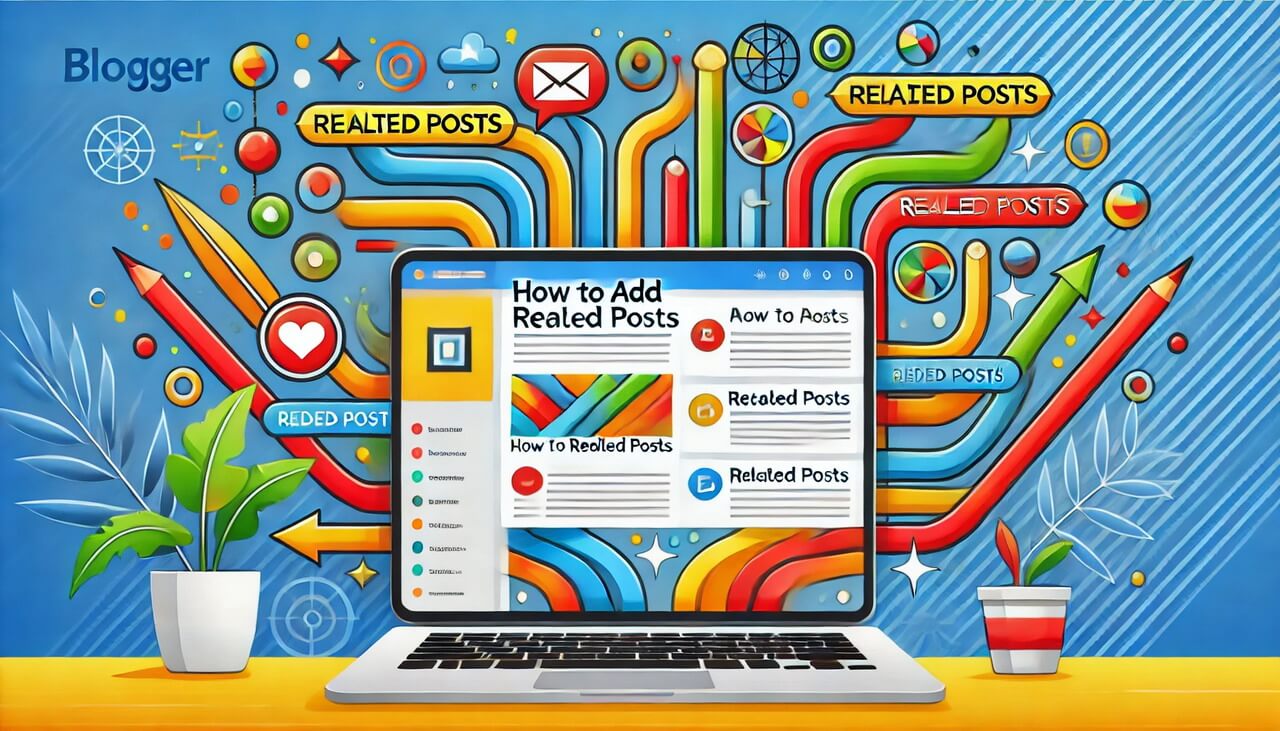
Are you looking to enhance your Blogger site by keeping visitors engaged and encouraging them to explore more of your content? Adding related posts is…
This tutorial will help you to add expandable post summaries to your blogger blog. After following the steps given here, you can hide (collapse) a…
When you enable "Show Quick Editing" option available under "Configure Blog Posts" settings, little pencil icon will be displayed under each of your blog post.…
Blogger default posts page navigation helps you to navigate through posts pages in your blog. It simply includes "Home", "Newer Posts" and "Older Posts" links.…
Do you want to hide blogger posts with a specific label from your site's homepage? If the answer is yes, follow this blogger tutorial to…
Few days ago, Blogger released their latest official Blogger widget called "Featured Post". It makes it easier to showcase the posts you want your readers…
Heading Tags (h1, h2, h3, h4, h5) of a website are very important for SEO (Search Engine Optimization). All of Blogger widgets (gadgets) titles use…
This tutorial will help you if you're looking for display only post titles on your site home page. After applying this modification into your Blogger…
This tutorial explains how to display an advertisement under post title in a Blogger blog posts. To add a ad banner just below post title,…
When you are viewing your blogger site in web browser as a logged-in user, you can see a little pencil icon near every blog post…
When you install a new Blogger template for your website or blog, perhaps you have seen this post date "Undefined" error. It displays "Undefined" word…