Blogger
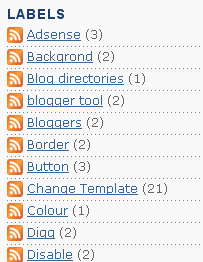
How To Add Feed Link Button Before All Labels in Blogger
1.Log in to your dashboard--> layout- -> Edit HTML 2.Click on "Expand Widget Templates" 3.Scroll down to where you see this code: <b:loop values='data:labels' var='label'><li><b:if…
1.Log in to your dashboard--> layout- -> Edit HTML 2.Click on "Expand Widget Templates" 3.Scroll down to where you see this code: <b:loop values='data:labels' var='label'><li><b:if…
This is a another different method from post How To Add Horizontal LinkList in Blogger 1.Log in to your dashboard--> layout- -> Edit HTML 2.Scroll…
1.Log in to your dashboard--> layout- -> Edit HTML 2.Scroll down to where you see this: </b:skin> 3.Now copy below code and paste it just…
1.Log in to your dashboard--> layout- -> Edit HTML 2.Click on "Expand Widget Templates" 3.Scroll down to where you see this: <b:if cond='data:post.url'><a expr:href='data:post.url'><data:post.title/></a><b:else/><data:post.title/></b:if> 4.Now…
These are the Most Popular Keyboard Shortcuts for Firefox : Ctrl+N - It use for Open New Browser Window. Ctrl+T - It use for Open…
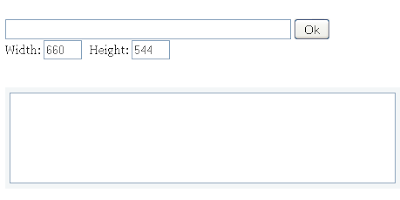
This tools is very important to every blogger.When you put the video address and click Ok, embed code will appears in text box. 1.Log in…
1.Log in to your blogger dashboard--> layout- -> Edit HTML 2.Scroll down to where you see like this code: a:link {color:$linkcolor;text-decoration:none;}a:visited {color:$visitedlinkcolor;text-decoration:none;}a:hover {color:$titlecolor;text-decoration:underline; 3.Now replace…
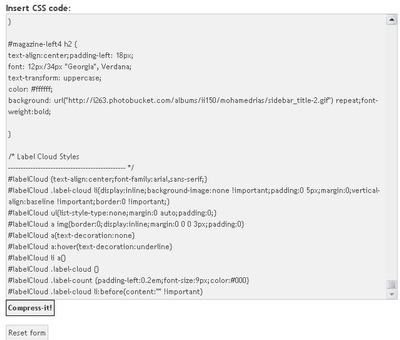
1.Log in to your blogger dashboard and go to--> layout- -> Edit HTML 2.Now Cut CSS Code of your template. NOTE : CSS Code is…
1.Log in to your dashboard--> layout- -> Edit HTML 2.Click on "Expand Widget Templates" 3.Scroll down to where you see this: <iframe allowtransparency='true' class='blogger-iframe-colorize' frameborder='0'…
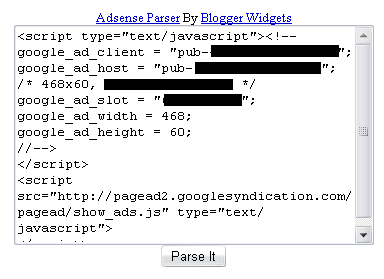
You must generate Parsed code for your adsense code because you cannot put adsense code directly in the xml.So parse it using Adsense Parser tools.This…
If you want to add feeds for labels in your blog read this post.For easy explanation I use my blogspot url.If you have a Blogspot…
1.Log in to your dashboard--> layout- -> Edit HTML 2.Click on "Expand Widget Templates" 3.Scroll down to where you see this: <p><data:post.body/></p> 4.Copy below code…