Blogger
How To Create Auto Numbered Link List
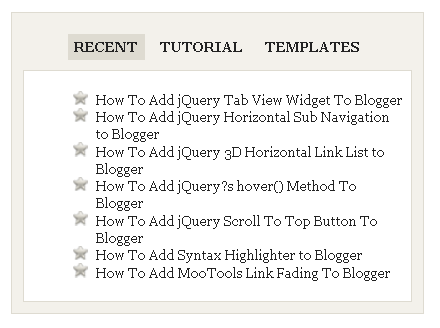
Do you want to add Auto Numbered Link List in blogger.It is vey simple.Follow the steps below. 1.Log in to your dashboard--> layout- ->Page Elements…
Do you want to add Auto Numbered Link List in blogger.It is vey simple.Follow the steps below. 1.Log in to your dashboard--> layout- ->Page Elements…
1.Login to your blogger dashboard--> layout- -> Edit HTML 2.Scroll down to where you see </head> tag . 3.Copy below code and paste it just…
1.Login to your blogger dashboard--> layout- -> Edit HTML 2.Scroll down to where you see </head> tag . 3.Copy below code and paste it just…
1.Login to your blogger dashboard--> layout- -> Edit HTML 2.Scroll down to where you see this: ]]></b:skin> 3.Copy below code and paste it just after…
A rollover image is an image that changes to some other image when you or your customer rolls the mouse over it. To add a…
1.Login to your blogger dashboard--> layout- -> Edit HTML 2.Click on "Expand Widget Templates" 3.Scroll down to where you see below code: <div class='post-header-line-1'/> 4.Now…
1.Login to your blogger dashboard--> layout- -> Edit HTML 2.Scroll down to where you see </head> tag . 3.Copy below code and paste it just…
This is a great blogger hack from www.bloggerplugins.org .In this post I explain how to add this related post widget to blogger by hosting java…
1.Log in to your dashboard--> layout- -> Edit HTML 2.Scroll down to where you see </b:skin> tag. 3.Now copy below code and paste it just…
1.Login to your blogger dashboard--> layout- -> Edit HTML 2.Click on "Expand Widget Templates" 3.Scroll down to where you see </head> tag . 4.Copy below…
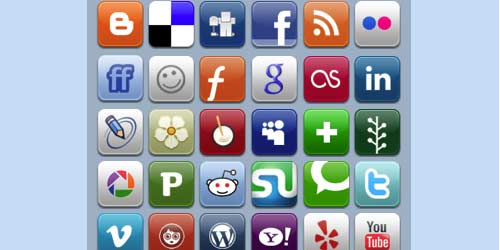
Here is the 1 st collection of Beautiful Sets of Social Bookmarking Icons for blogger and everyone.I found these beautiful templates while surfing the internet.…
You can easily prevent Google from indexing your pictures by doing below steps. 1.Login to your blogger dashboard--> layout- -> Edit HTML 2.Scroll down to…