Blogger
How To Add Free PHP Contact Form to Blogger
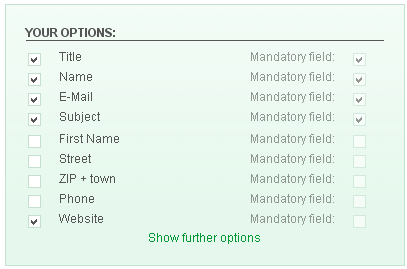
If you add this easy free contact form to your website or blog,your visitors can Submit this contact form without Page Rrefresh.To add this contact…
If you add this easy free contact form to your website or blog,your visitors can Submit this contact form without Page Rrefresh.To add this contact…
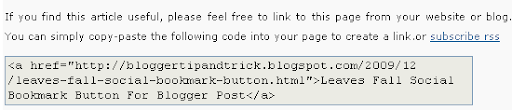
Do you like to add "Link To This Post Widget" under your blog post?This will help you to increase your site's backlinks for better SEO.So…
1.Log in to your dashboard--> layout- -> Edit HTML 2.Click on "Expand Widget Templates" 3.Scroll down to where you see this: <data:post.body/> 4.Copy below code…
1.Log in to your dashboard--> layout- -> Edit HTML 2.Click on "Expand Widget Templates" 3.Scroll down to where you see this: <data:post.body/> 4.Copy below code…
This template is New Magazine Style blogger template created by me.This is very flexible multi functional premium blogger template.This is the first template in this…
1.Login to your blogger dashboard--> layout- -> Edit HTML 2.Scroll down to where you see </head> tag . 3.Copy below code and paste it just…
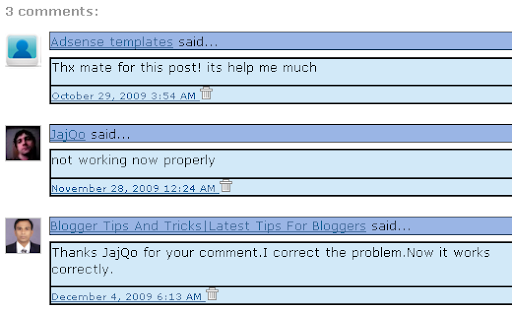
If you use this hack,you can show Show Blogger Profile Images In Comments As Avatars.For your safety,first backup your blogger template.To Enable avatars in blogger/blogspot…
1.Login to your blogger dashboard--> layout- -> Edit HTML 2.Scroll down to where you see </head> tag . 3.Copy below code and paste it just…
1.Login to your blogger dashboard--> layout- -> Edit HTML 2.Scroll down to where you see </head> tag . 3.Copy below code and paste it just…
1.Login to your blogger dashboard--> layout- -> Edit HTML 2.Scroll down to where you see </head> tag . 3.Copy below code and paste it just…
1.Login to your blogger dashboard--> layout- -> Edit HTML 2.Scroll down to where you see </head> tag . 3.Copy below code and paste it just…
1.Login to your blogger dashboard--> layout- -> Edit HTML 2.Scroll down to where you see </head> tag . 3.Copy below code and paste it just…