Blogger
How to Embed a PHP Page in Blogger
Blogger does not support PHP files directly, but you can still display them. If you already have a PHP page hosted on a server, you…
Adding an official X (Twitter) Follow Button to your Blogger site is a quick way to let visitors follow you with one click. It helps…
By default, WordPress allows administrators to directly edit theme and plugin files through the dashboard. Although this feature is helpful, it can be a security…
Add the following code to the functions.php file of your active WordPress theme. It will disable plugin update notifications in the WordPress dashboard and optionally…
Loading Google Fonts asynchronously is one of the best ways to speed up your website and eliminate the render-blocking CSS issue. In the past, developers…
Do you want to display a maintenance page on your WordPress site to let visitors know it's temporarily down? While there are plenty of plugins…
Adding a Random Post button to your Blogger site is a fun and effective way to keep visitors engaged with your content. When clicked, this…
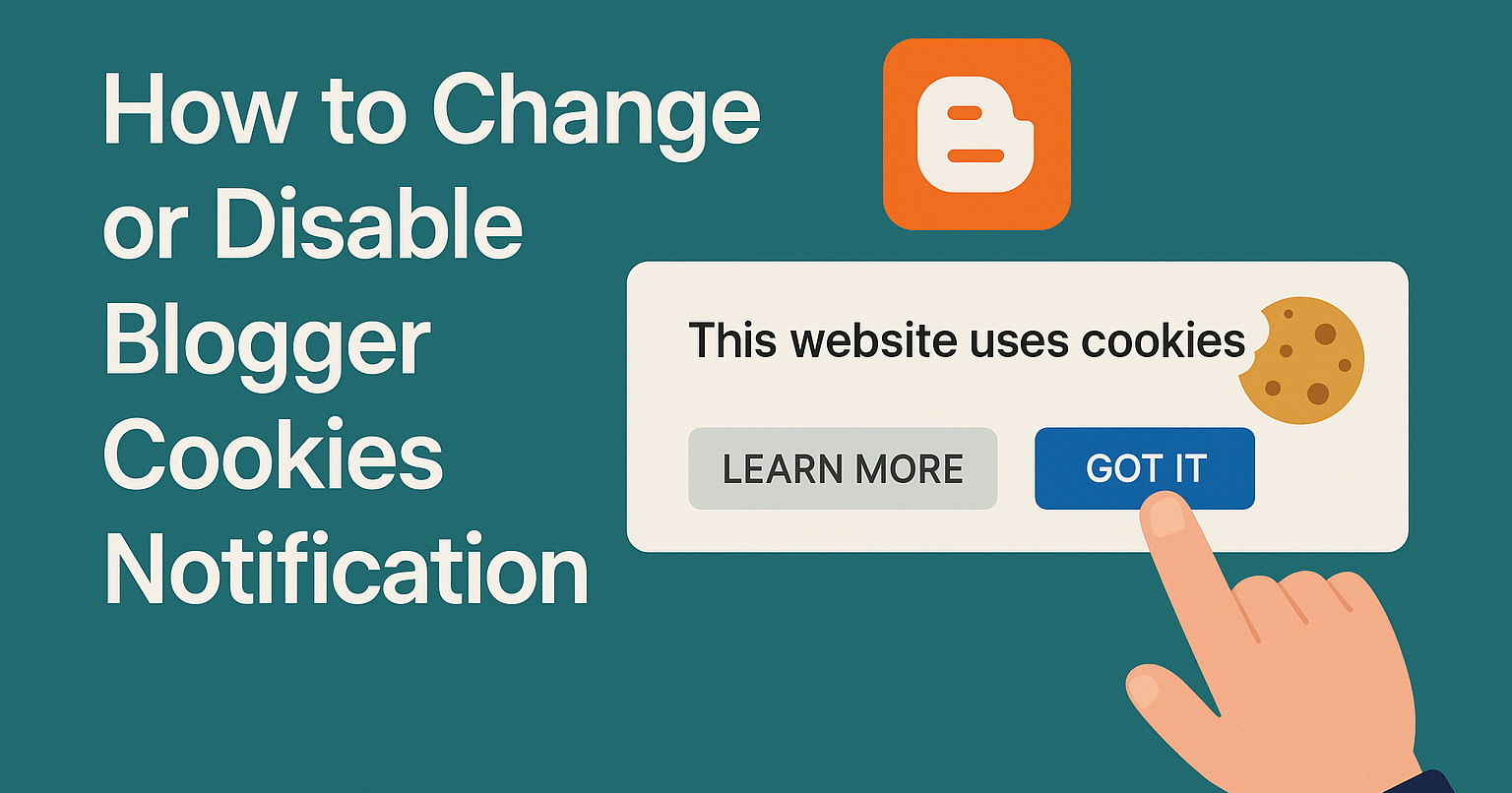
Blogger automatically displays a cookies consent banner for European Union (EU) visitors to comply with GDPR regulations. This banner appears at the top of your…
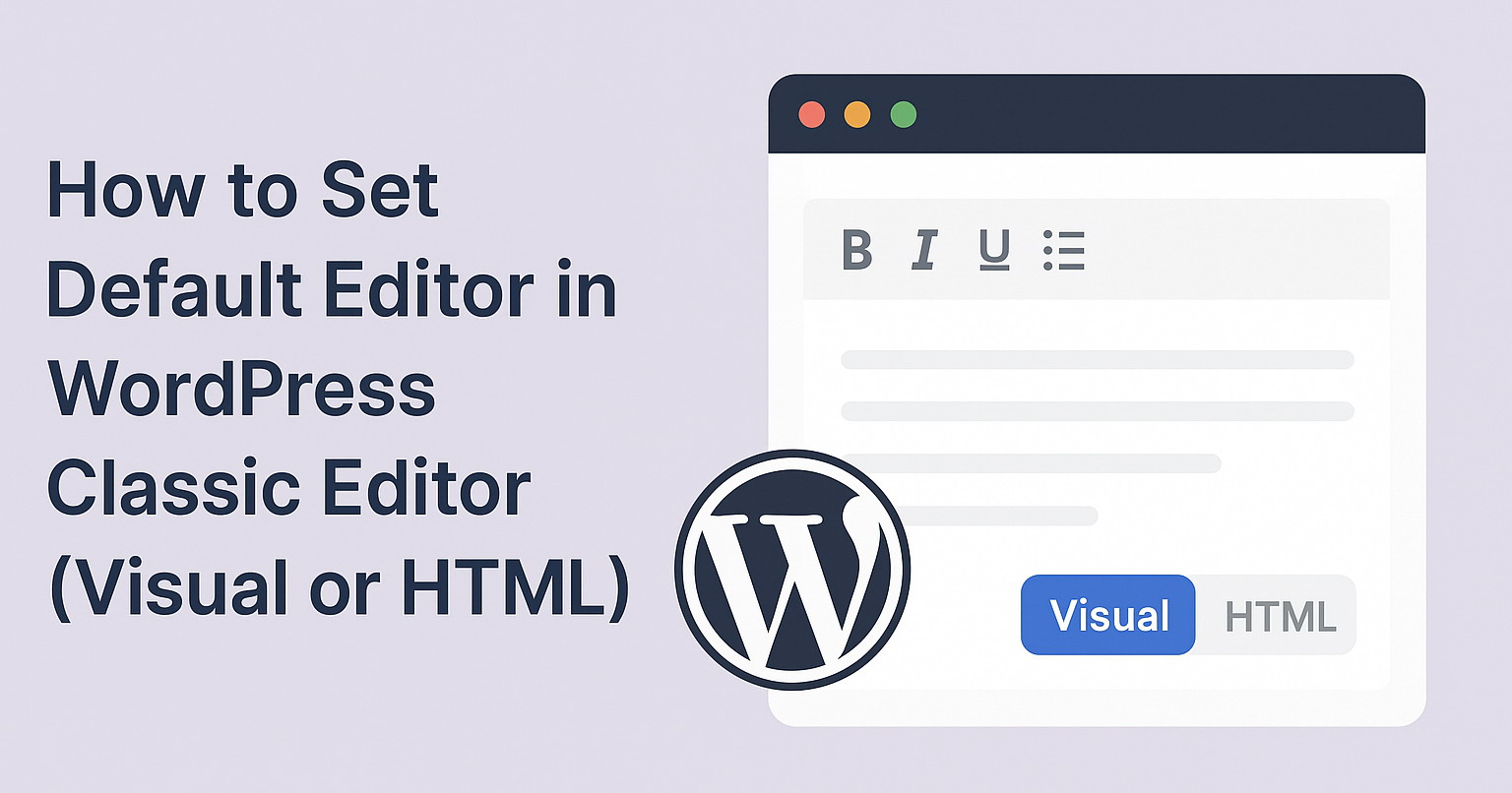
WordPress offers two editing modes in the Classic Editor: the Visual Editor (TinyMCE) and the HTML Editor (Text mode). By default, WordPress opens the editor…
This quick tutorial explains how to submit your Blogger blog’s sitemap to Google Search Console. Every Blogger blog has a sitemap file automatically created by…
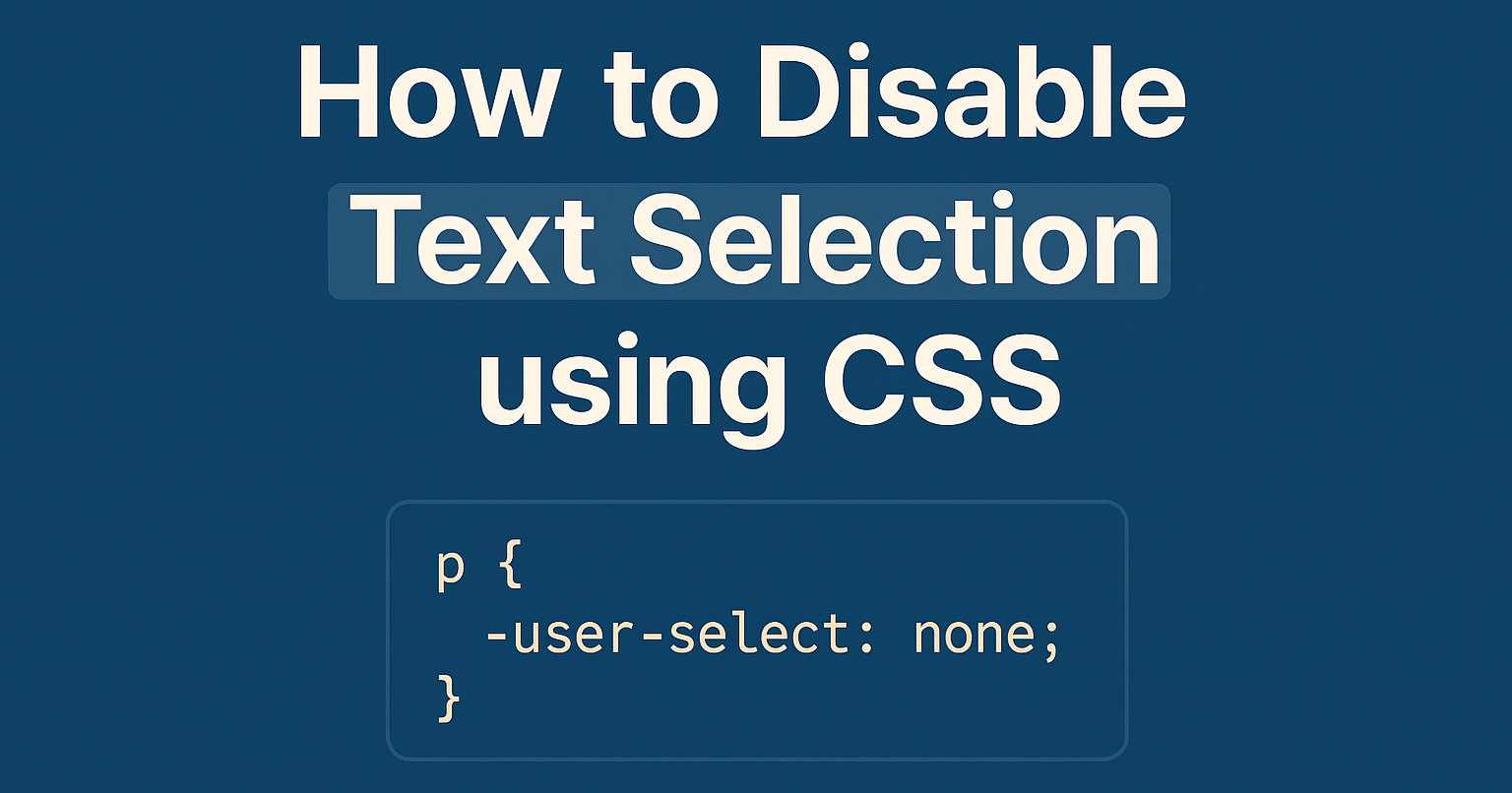
Do you need to disable text selection/text highlighting on your website without using any JavaScript code? If the answer is yes, add this CSS code…
Every Facebook account has a unique numeric Profile ID. It is a string of digits that helps Facebook identify your account, even if you change…