Blogger
How to Remove Blogger Default CSS
If you view the HTML source of your blog, you will see Blogger is automatically adding a CSS file called "widget_css_bundle.css" or "css_bundle_v2.css" to your…
If you view the HTML source of your blog, you will see Blogger is automatically adding a CSS file called "widget_css_bundle.css" or "css_bundle_v2.css" to your…
There are few ways to turn off or hide the Blogger Navbar. But if you want to delete/remove it completely from your template follow the…
The Blogger Label widget only displays labels as an "Unordered List" or a "Cloud". Like in WordPress, there is no option to display labels/categories as…
This tutorial will help you to add expandable post summaries to your blogger blog. After following the steps given here, you can hide (collapse) a…
We can not rely on an outdated theme even if it is our favorite theme. If you are looking for a premium theme for your…
Brakt is a clean, elegant and personal Blogger Template is specially made for creative bloggers. It provides clean, clutter free and gorgeous minimalistic layouts that…
You can get updates from Blogger to your email address changing a setting in Blogger. First sign in to your Blogger account. In the left…
Olsen Light is a clean, fast loading, 100% responsive, search engine optimized, 2 columns blogging theme for your fashion or personal blogger blog. With this…
When you enable "Show Quick Editing" option available under "Configure Blog Posts" settings, little pencil icon will be displayed under each of your blog post.…
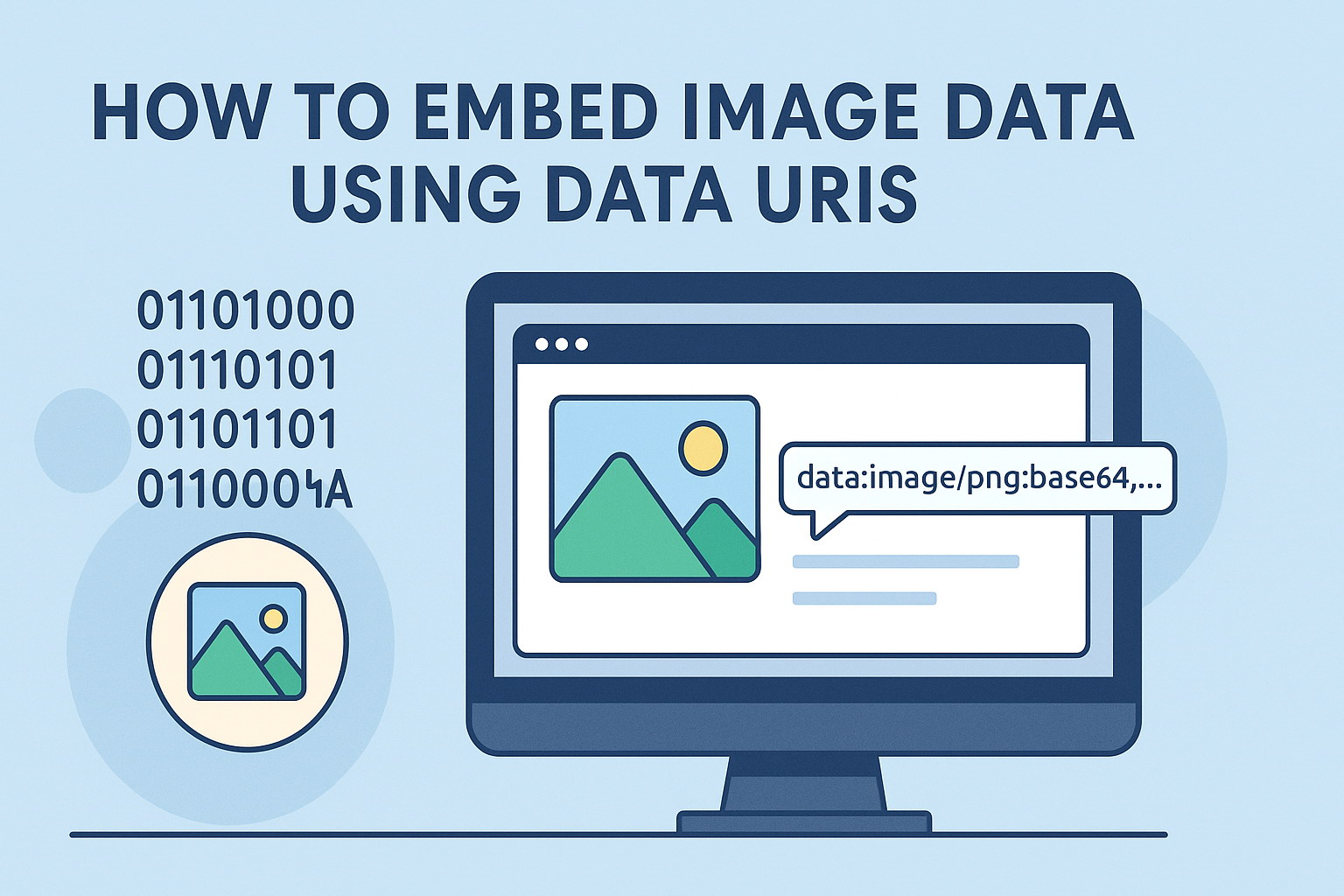
Data URIs can be used in your CSS files or inside HTML tags which saves the browser from having to make additional HTTP requests for…
When someone leaves a comment on your Blogger blog, his name is linked automatically into his website or profile url. But if you do not…
Do you want to display circular images on your website? With CSS3, this can be done with in few seconds. You can use CSS border-radius…